What is IPTV? IPTV — Internet Protocol Television — is television delivered over your internet connection instead of through a satellite dish, a cable line or an aerial. You open an app on your Smart TV, Fire TV Stick or phone, log in, and the live channels, TV guide and on-demand library arrive as a stream, the same way Netflix arrives — except with live TV from around the world. This guide explains how it works in plain language, what a subscription actually includes, and what to check before you pay anyone.
- IPTV = live TV channels and on-demand video streamed over the internet to any device.
- You need an internet connection (about 25 Mbps for 4K), a player app and a login from a provider.
- A good subscription includes a TV guide (EPG), catch-up and thousands of international channels for one monthly price.
- Always test on a free trial during a live match before paying.
How IPTV works
A broadcaster’s channel is captured, encoded into a digital stream and sent from the provider’s servers to your device over the internet. Your player app (IPTV Smarters, TiviMate and others) receives the stream and shows it exactly like a normal TV channel, with a channel list and a programme guide. Because it is just data over your connection, the same login works on your television at home, your phone on the train and a Firestick on holiday — nothing is tied to a physical line.
IPTV vs cable, satellite and Netflix
Cable and satellite deliver a fixed regional channel package through dedicated hardware, usually on a 12–24 month contract. Netflix-style streaming delivers on-demand libraries but no live channels and no sport. IPTV sits between the two: live channels from many countries and an on-demand library, over the internet, with no contract. The trade-off is that quality depends on your internet connection and on choosing a serious provider — we compare the costs in IPTV vs cable.
What a subscription actually includes
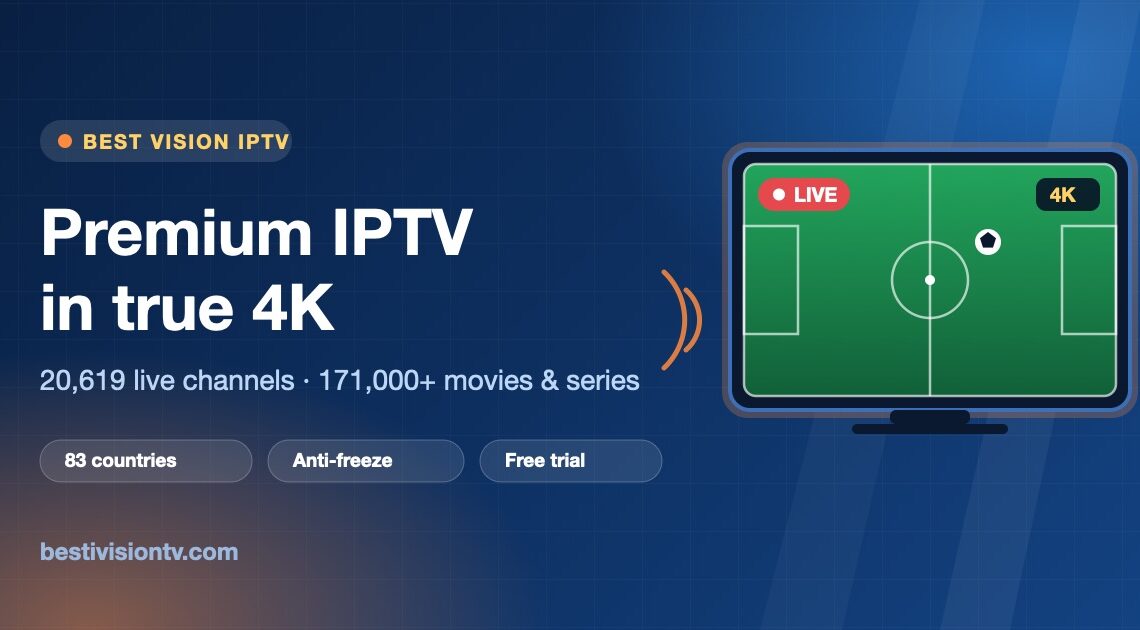
A serious service gives you live channels organised by country and category (sport, news, kids, films), a TV guide (EPG) showing what is on now and next, catch-up to replay programmes that already aired, and a video-on-demand library of films and series. Best Vision IPTV, for example, carries 20,000+ live channels from 83 countries and 171,000+ films and series — the full channel list is public, which is how it should be.
What you need to start
- An internet connection — roughly 25 Mbps for stable 4K, less for FHD.
- A device — Smart TV (Samsung, LG, Android TV), Fire TV Stick, Apple TV, Android box, phone or tablet.
- A player app — IPTV Smarters or TiviMate are the usual choices; see our player comparison.
- A login from your provider, sent on WhatsApp or email after you order.
Setup takes about five minutes with the step-by-step guide.
Xtream Codes, M3U, EPG — the jargon explained
Xtream Codes is the login method most players use: a username, password and server address that pull channels, guide and VOD automatically. M3U is a plain playlist file — it works, but often without the programme guide, so prefer Xtream Codes where offered. EPG is the electronic programme guide, and catch-up is the archive that lets you replay a finished programme; both are explained in EPG and catch-up explained.
Quality and stability
Picture quality is decided by the source stream and your connection: 4K where the broadcaster provides it, FHD for most channels. Stability is decided by the provider’s server capacity at peak — a Champions League night is the real test — and by your home network; a wired connection to the main TV removes most buffering. Our buffering guide covers the fixes.
How to choose a provider
Six checks, in order: insist on a free trial; test it during a live match; refuse lifetime deals; ask for the channel list up front; message support before buying; and prefer a provider with years under the same name. The full checklist is in how to choose a reliable IPTV.
How much does IPTV cost?
A serious service costs about €10–15 a month, less on a yearly plan. Best Vision starts at €11.99 with no contract, and 12 months costs €67.99 on the current offer — details in how much IPTV costs and the plans and prices.
Get started
Message us on WhatsApp for a free trial, install a player, and see IPTV on your own TV before you decide. Best Vision has run since 2020 with more than 8,000 customers.
How IPTV works, step by step: from broadcaster to your screen
To see what happens behind the app, follow a single live football match from the stadium to your sofa. There are four steps, and each one explains something you will notice as a viewer.
- Source: the provider receives the broadcaster’s channel signal.
- Encoding: the signal is compressed into a digital stream, often at several qualities at once (4K, FHD, HD), so each viewer’s player can pull the one their connection can handle.
- Distribution: servers, often in several regions, send that stream to every connected viewer at the same time.
- Playback: your player app requests the stream, loads a few seconds in advance and plays it like a normal channel.
All four steps run around the clock and cost money to operate. That is why a “lifetime” deal for a one-off €20 cannot last.
What your login actually does
When the player logs in with Xtream Codes, the server recognises your account and sends back four things: your channel list, your film and series library, your programme guide, and how many screens may stream at once. A plain M3U link is only a list of stream addresses with no account behind it, which is why it often comes without a guide.
Where the guide and catch-up come from
The EPG is a schedule feed the provider maintains for each channel, and your player merges it into the grid you see. Catch-up works because the server records channels continuously and keeps the last few days. “Play from start” simply asks the server for an earlier part of the same stream. Both take server storage and daily maintenance, so working catch-up is a good sign of a serious provider.
Where buffering enters the chain
Freezes come from one of two weak points. The first is the provider’s servers on a big match night, when large numbers of viewers request the same stream in the same minute. The second is your home network: a router in a cabinet, 2.4 GHz Wi-Fi two rooms away, or an old TV trying to decode 4K. An Ethernet cable to the main TV and about 25 Mbps measured in the evening deal with your side. Our troubleshooting guide covers the rest. To test the provider’s side, run a free trial during a live match, then follow the setup guide to connect your device.
Frequently asked questions
What does IPTV stand for?
Internet Protocol Television — TV delivered over the internet rather than by satellite, cable or aerial.
Do I need a special box for IPTV?
No. A Smart TV, Fire TV Stick, Apple TV, Android box or phone with a player app is enough.
Does IPTV include live sport?
Yes — live channels including the major sport networks are the main reason people subscribe.
What internet speed does IPTV need?
About 25 Mbps for stable 4K, less for FHD; a wired connection is the most reliable.
Is there a free trial?
Yes — request a free trial on WhatsApp, no card needed, and test everything before paying.
Further reading: IPTV on Wikipedia.