Your subscription is only half the experience — the IPTV player app decides how good it feels every day. This guide compares the players that actually matter in 2026, on every platform, so you can pick the right one and set it up in minutes.
What separates a good player from a bad one
Four things. A fast, readable TV guide, because you will use it every day. Favourites and channel groups, so 20,000 channels stay usable. A solid buffer, which smooths over the small network hiccups that otherwise show as freezing. And stable playback on your specific hardware — the best app on a new Android box may stutter on a five-year-old Smart TV. Everything else is preference.
TiviMate — the enthusiast choice
TiviMate has the cleanest EPG of any player, excellent channel groups and favourites, multi-playlist support and recording on the premium tier. It is built for Android TV and the Fire TV Stick and is controlled comfortably with a remote. If you watch mainly on a TV box, this is the one to install first.
IPTV Smarters — the easy start
IPTV Smarters is free, available on the widest range of devices — including Samsung Tizen and LG webOS directly from the TV app store — and takes about two minutes to configure. It has live TV, films and series in one interface. If you want to be watching tonight without sideloading anything, start here.
XCIPTV and the others
XCIPTV offers a modern interface with good VOD handling and sits between the two above. Other players such as Perfect Player and GSE remain usable but see less active development. The important point: because they all accept Xtream Codes logins, trying a different player costs you nothing and does not affect your subscription.
Which player for which device
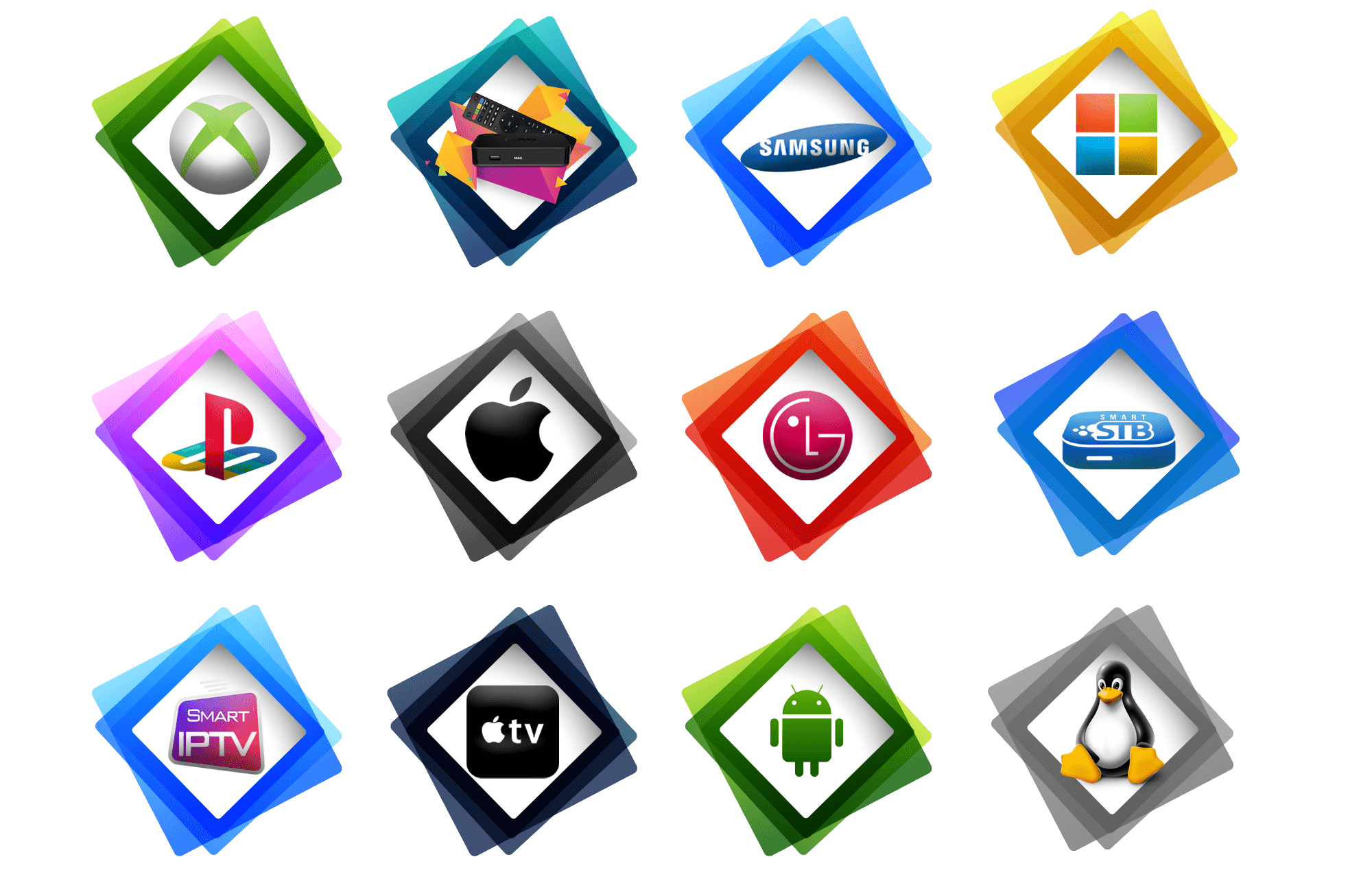
- Fire TV Stick / Android TV box: TiviMate, then IPTV Smarters.
- Samsung / LG Smart TV: IPTV Smarters from the TV app store.
- Android phone or tablet: IPTV Smarters or XCIPTV.
- iPhone / iPad: IPTV Smarters.
Device-specific walkthroughs: Firestick, Smart TV and Android.
Setting up in minutes
- Install your chosen player.
- Select Xtream Codes login.
- Enter the username, password and server URL we send on WhatsApp.
- Let the channel list and EPG load, then build your favourites.
The setup guide covers each app step by step. If playback stutters afterwards, our buffering fixes solve the majority of cases in a few minutes.
How much does it cost?
The players are free or a few euros one-off; the subscription is the recurring part, starting at around €11.99 with no contract — see the plans and prices. One login works across your devices.
Get started tonight
Message us on WhatsApp for a free trial, install the player that matches your device, and judge it on your own screen.
Frequently asked questions
What is the best IPTV player in 2026?
TiviMate on Android TV and Firestick; IPTV Smarters if you need Samsung/LG support or the simplest setup.
Are IPTV player apps free?
IPTV Smarters and XCIPTV are free; TiviMate is free with a paid premium tier for recording and multi-playlist.
Can I change player without changing subscription?
Yes — all of them use the same Xtream Codes login.
Which player works on Samsung and LG?
IPTV Smarters, installed directly from the TV app store.
Is there a free trial?
Yes — request a free trial on WhatsApp and test your player of choice.
Further reading: IPTV on Wikipedia.
Common player problems and quick fixes
Most complaints blamed on a subscription are actually player settings. If the EPG is empty or wrong, refresh the guide in the app settings and check the time zone matches your region. If channels load slowly, increase the buffer size a step and disable hardware decoding if your device is older. If audio drifts out of sync, switch the decoder from hardware to software for that channel. And if one channel alone misbehaves while the rest are fine, it is that stream, not your setup — more diagnostics in our buffering fixes.
Free versus paid player tiers
The free tiers of IPTV Smarters and XCIPTV are genuinely usable — live TV, films, series and a working guide. The paid tier of TiviMate adds recording, multiple playlists, deeper EPG customisation and a scheduler, for a small one-off or annual fee. Our advice: start free, use the player daily for a fortnight, and only pay for the premium tier once you know which features you actually reach for. The subscription is the part that matters; the player is a preference.
Watching on more than one device
One household rarely watches on one screen. The same Xtream Codes login works on the TV box, the phone and the tablet, though the number of simultaneous streams depends on your plan — check the connection limit before assuming three people can watch different matches at once. If you need more, a multi-connection plan costs far less than a second subscription.