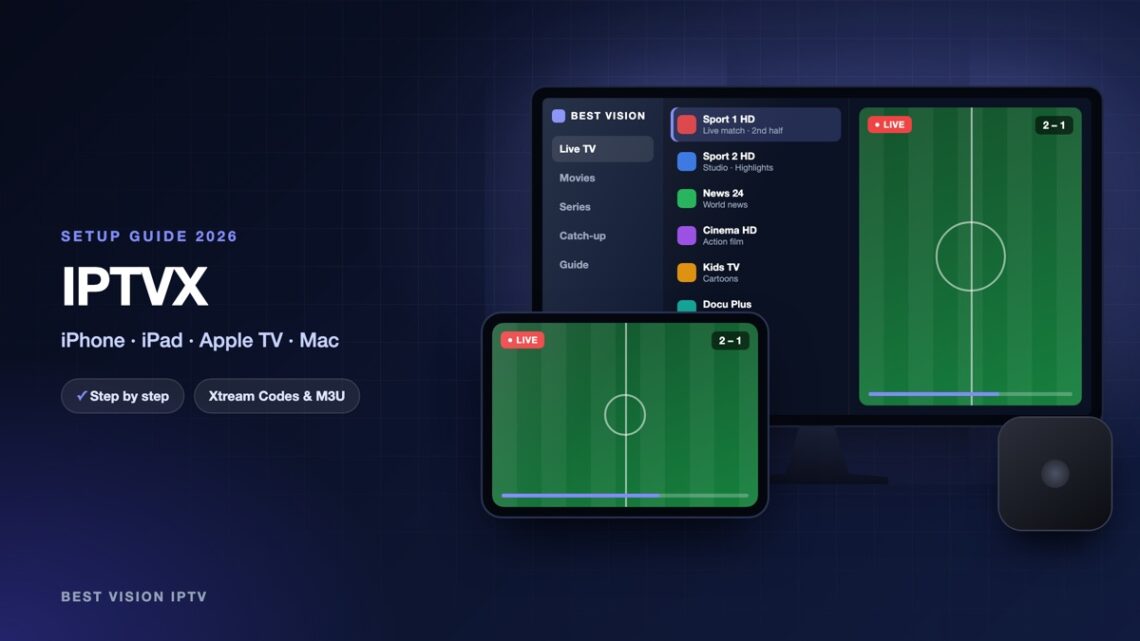
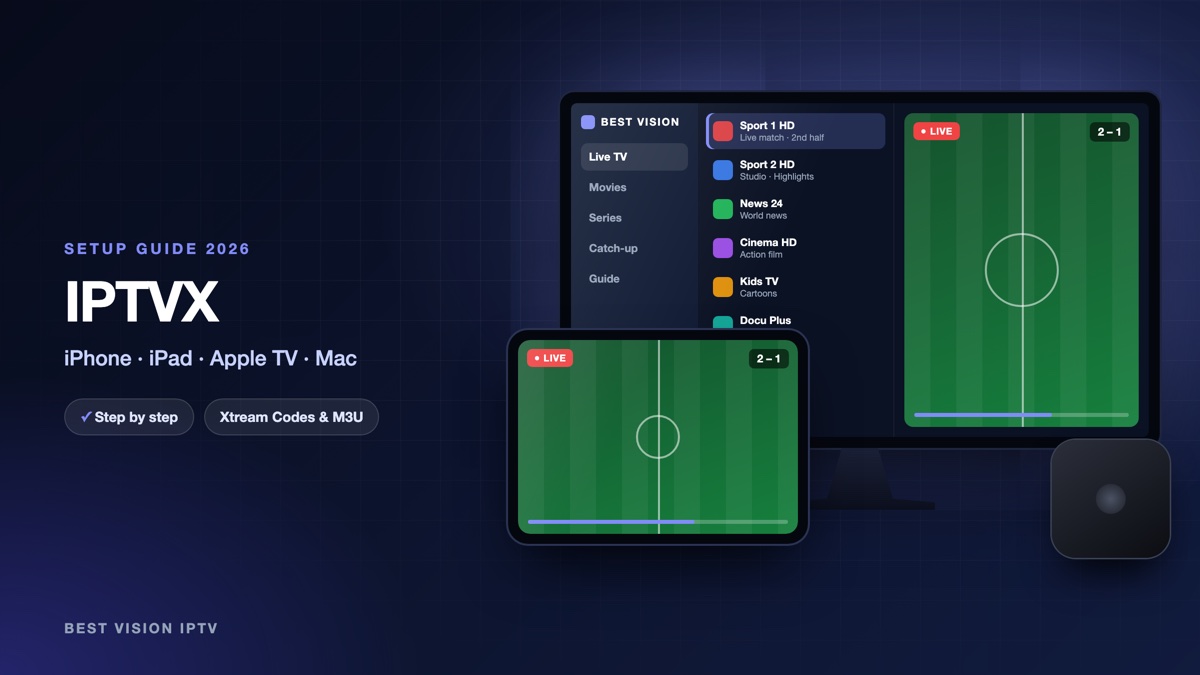
IPTVX is a player for Apple devices with a design that looks like a big streaming service: posters, a TV guide grid, “Continue watching” and a dedicated page for each series. Many Apple users in Norway and Sweden choose it for that reason. Unlike TV apps that use a MAC address, IPTVX takes your login directly in the app. This guide explains the IPTVX setup on iPhone and iPad first, then on Apple TV and Mac.
What you need for the IPTVX setup
- An Apple device. An iPhone or iPad with iOS 16 or newer, an Apple TV, or a Mac with Apple silicon (M1 or newer), according to the developer.
- An iCloud account. The App Store listing says a valid iCloud account is needed. It is also used to sync your playlists between devices.
- Your login from us. After your order or free trial we email you a username, a password and a server URL (Xtream Codes), plus an M3U link.
Good to know: IPTVX is made by an independent developer, Bending X, not by us. It contains no channels. The app is free to download; the full version is a subscription bought in the app. That payment goes to Apple and the developer and is separate from your subscription with us.
Step 1: install IPTVX
- Open the App Store and search for “IPTVX”.
- Check the developer name: Bending X – FZE. Several other apps have similar names.
- Tap Get, confirm, and open the app.
On Apple TV and Mac you install it the same way from the App Store on that device. The developer’s site, iptvx.app, also lists Android, Google TV and Fire TV versions.
Step 2: IPTVX setup with Xtream Codes
- On first start, the app asks you to add a playlist. Later you add one from the playlist screen.
- Choose the Xtream type. The store listing calls it “Xtream API”.
- Fill in the fields as in the table below. The exact labels are shown on screen.
- Confirm and wait. The first load of channels, films and series can take a minute.
| Field | What you type |
|---|---|
| Name | Anything you like, for example “Best Vision”. |
| Server / URL | The server URL from our email. It starts with http:// and ends with the port number. |
| Username | The username from our email. Capital and small letters matter. |
| Password | The password from our email, with no space before or after. |
| EPG URL | Leave it empty. According to the developer, IPTVX finds the guide of the server by itself. |
You can also add the M3U link from our email as an M3U playlist. We recommend Xtream Codes: films, series, the guide and catch-up come with it.
IPTVX on Apple TV and Mac
- iCloud sync. Playlists, favourites and progress are synced through iCloud. Use the same Apple account on every device, add the playlist once on the iPhone, then open IPTVX on the Apple TV.
- Typing on Apple TV. If you add the playlist on the Apple TV itself, your iPhone shows an Apple TV keyboard notification when a text field is active. Tap it and type on the phone.
- Phone pairing. The developer also lists phone pairing for TV accounts. If your Apple TV offers it, follow the steps on screen.
- One purchase for Apple. According to the developer, an Apple subscription works on all supported Apple devices, but not on Android.
After the first start
- TV guide. Open the TV Guide tab. If it stays empty, edit the playlist and check the guide settings, then refresh.
- Catch-up. Channels with a clock symbol let you watch programmes from earlier.
- Favourites and order. You can hide, sort and rename categories and channels.
- Player. The developer advises Settings, Player, Auto, so AirPlay and Picture in Picture work where possible.
Troubleshooting the IPTVX setup
| Message or problem | What to do |
|---|---|
| Login refused | Check the server URL: http:// in front, port at the end, no space. Copy username and password from our email again. |
| A message about a streaming problem on a live channel | Change the live player in Settings, Player, or try another format in Settings, TV Live & TV Guide, Current format. |
| Playlist does not load at all | Try another network, and switch off VPN or ad-blocking tools for a test. |
| Playlist missing on Apple TV | Check that both devices use the same Apple account and that iCloud is on, then open the playlist again. |
| Purchase not recognised | Run Restore Purchases in the app with the Apple account that paid. |
| No AirPlay or Picture in Picture | Set Settings, Player to Auto. |
Still stuck? Send us a photo of the screen on WhatsApp.
Setup guides for other apps and devices
Every app below works with the same login from us. Pick the one for your device:
- Samsung & LG Smart TV: Smart IPTV (Samsung, LG) · IBO Player · SET IPTV · NET IPTV · SS IPTV (LG) · Hot IPTV (HotPlayer) · SmartOne IPTV · Bob Player
- Android, Android TV & Fire TV: IPTV Smarters Pro (Android) · IPTV Smarters (Fire TV Stick) · TiviMate · OTT Navigator · XCIPTV Player · Televizo · STB Emulator (portal) · Kodi · IPTV Extreme
- iPhone, iPad & Apple TV: Smarters Player Lite (iPhone, iPad, Apple TV) · Purple Playlist Player · GSE Smart IPTV · iPlayTV (Apple TV)
- Windows & Mac: IPTV Smarters Pro & VLC (PC, Mac) · MyIPTV Player (Windows)
- TV boxes with a portal: MAG box · Formuler MYTVOnline
A short overview of every device is on the How to use page, the full line-up is in the channels list, and the players are compared in the best IPTV player apps.
Frequently asked questions
Is IPTVX free?
It is free to download. The full version is a subscription sold in the app by the developer; the price is shown on the purchase screen in your country.
Does IPTVX work on Apple TV?
Yes. Install it from the App Store on the Apple TV, or add the playlist on your iPhone and let iCloud sync it.
Does IPTVX work on a Mac?
According to the developer, yes, on Macs with Apple silicon (M1 or newer).
Does IPTVX include channels?
No. It is only a player. The channels come from your own subscription.
Can I use one login on iPhone and Apple TV?
Yes. The IPTVX setup with the same login works on both. How many screens can play at the same time depends on your plan.
Can I test first?
Yes. Ask for a free trial and do the IPTVX setup with the trial login.
Install, add your Xtream Codes login, let iCloud do the rest: the IPTVX setup takes a few minutes. Ask for a free trial and see how it runs on your Apple devices.