- What you need for the IBO Player setup
- Step 1: install IBO Player on your TV
- Step 2: note the MAC address and the Device Key
- Step 3: add your playlist on the IBO Player website
- After the first start
- Trial and activation
- IBO Player or IBO Pro Player?
- Troubleshooting the IBO Player setup
- Setup guides for other apps and devices
- Frequently asked questions
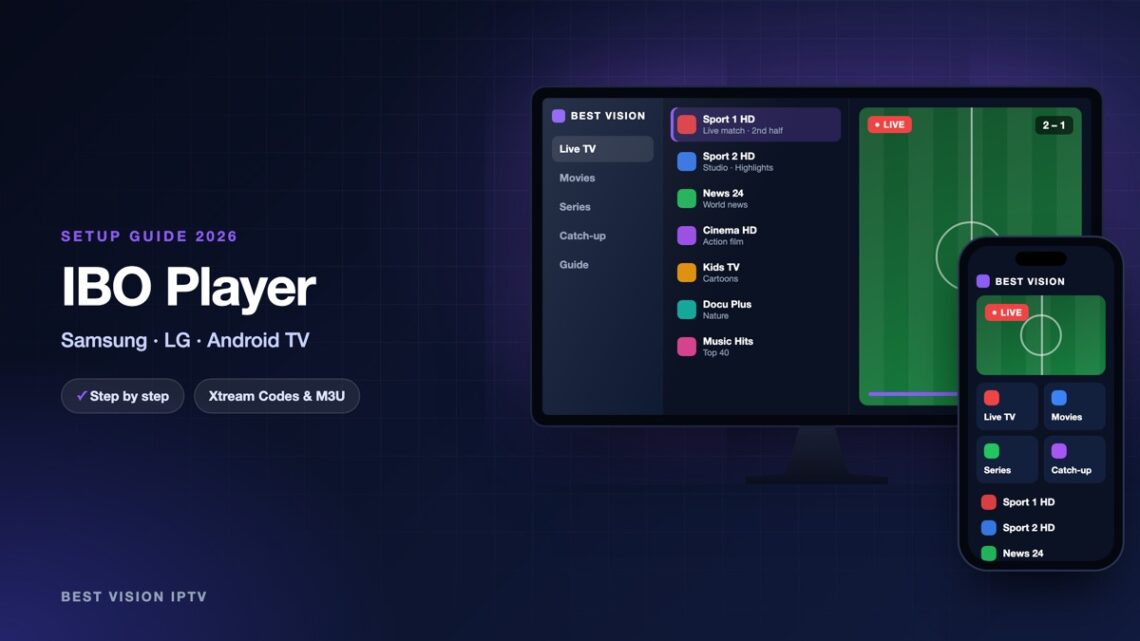
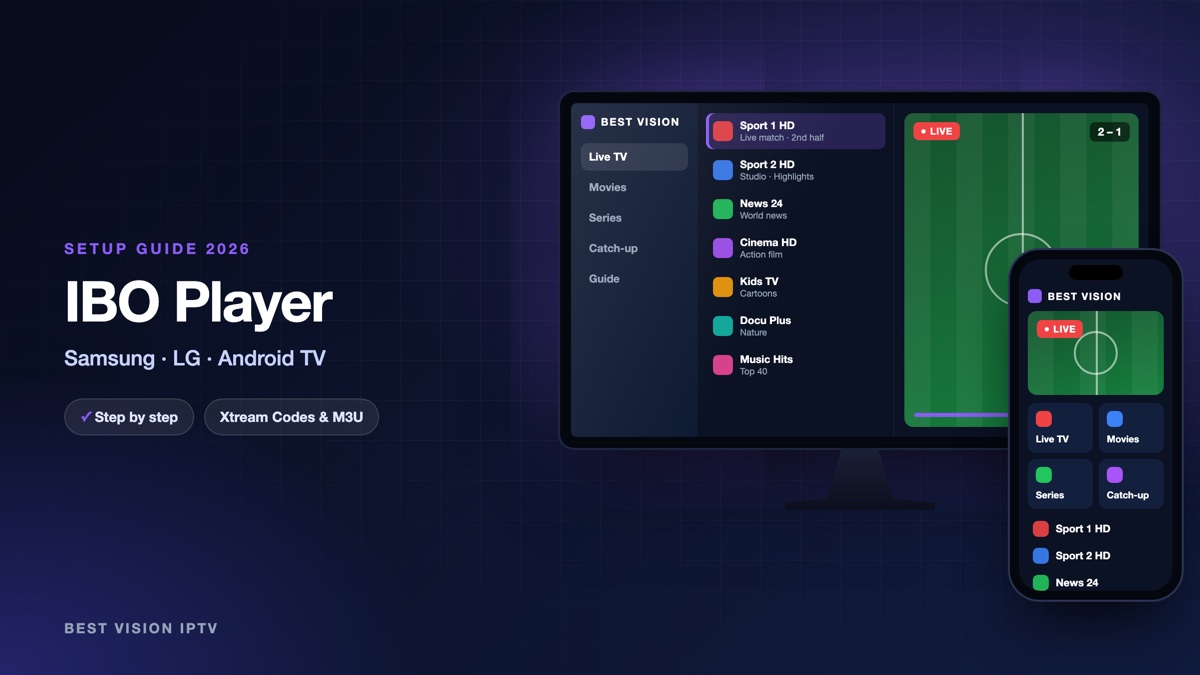
IBO Player is a media player for Smart TVs and Android devices. On a Samsung or LG television it runs without a box or a stick. You do not type your login on the TV. You add your playlist on the website of the app, from a phone or a computer, and the TV picks it up. This guide shows the whole IBO Player setup in order, with the exact names of the fields.
What you need for the IBO Player setup
- A TV or device that runs the app. The developer names Samsung, LG webOS, Android TV, Roku, Apple TV and Windows as compatible.
- Your login from us. After your order or free trial we email you a username, a password and a server URL, plus an M3U link.
- A phone or computer to open the website of the app.
Good to know: IBO Player is made by an independent developer, not by us. The app contains no channels. At the time of writing it has a free trial of 7 days. After that the developer asks for a licence fee per device, which is separate from your subscription with us.
Step 1: install IBO Player on your TV
- Samsung: press Home, open Apps, use the search icon and type “IBO Player”.
- LG: press Home, open the LG Content Store and search for “IBO Player”.
- Android TV and Google TV: search for the app in Google Play on the TV.
- Install the app and open it.
The app is not in the store of every country and every TV model. For Android boxes and sticks the developer also offers the Android file (APK) on the Downloads page of iboplayer.com. If you cannot find the app at all, tell us your TV model on WhatsApp and we suggest a player that your store does have.
Step 2: note the MAC address and the Device Key
When the app opens for the first time, the trial starts and the screen shows two values:
- MAC address: six pairs of letters and numbers.
- Device Key: a short code that works like a password for the website.
Take a photo of the screen. You need both values in the next step, and again if you ever change the playlist.
Step 3: add your playlist on the IBO Player website
- On your phone or computer open iboplayer.com and choose MANAGE PLAYLISTS in the menu.
- Type the Mac Address and the Device Key from your TV, enter the captcha code and press LOGIN.
- Press Add XC Playlist. XC stands for Xtream Codes.
- Fill in the fields as in the table below and save.
- The page answers “Playlist Added!”. Close the app on the TV and open it again. The channels load.
| Field | What you type |
|---|---|
| Playlist name | Anything you like, for example “Best Vision”. It is only a label. |
| Username | The username from our email. Capital and small letters matter. |
| Password | The password from our email, with no space before or after. |
| Host | The server URL from our email. It starts with http:// and ends with the port number. |
| XMLTV EPG URL (Optional) | Leave it empty. |
| Protect this playlist | Optional. If you tick it, you choose a PIN that is asked before the playlist can be changed. |
Prefer one link? Press Add Playlist instead. There you give a name and paste the M3U link from our email in the field “Playlist URL”. Both ways use the same subscription.
After the first start
- Parental control. The app has a parental lock. If you forget the parent PIN, you can reset it on the website.
- Audio language. For films and series with more than one sound track, you can pick the language.
- More than one playlist. The website lets you add several playlists for one TV, for example a trial and a paid login.
- Use a cable if you can. It gives a calmer picture than Wi-Fi.
Trial and activation
During the trial you can test the app together with our free trial. When the trial ends, the app asks for a licence. You buy it from the developer on the same website, with the same MAC address and Device Key. Only pay when your playlist plays well on your TV: the developer says it gives no refunds. We do not receive this fee.
IBO Player or IBO Pro Player?
There are two apps with almost the same name, and they are separate products. IBO Pro Player has its own website, iboproapp.com, with its own “Manage Playlists” and “Activate” pages. The steps are the same there, but each website only knows its own devices. So look at the exact name on your TV screen before you open a website.
Troubleshooting the IBO Player setup
| Message or problem | What to do |
|---|---|
| “Device information is incorrect” | The MAC address or the Device Key has a typing mistake, or you are on the website of the other app. |
| “Invalid Host URL” | The Host field must start with http://. Copy the server URL from our email again. |
| “Unable to Stream” in the app | The playlist is refused. Check the login and that your trial or subscription is still active, then write to us. |
| Playlist added, TV shows nothing | Close the app completely and open it again. |
| The MAC address changed | A TV has one address for Wi-Fi and one for cable. Log in on the website with the address the app shows now. |
| Picture freezes | Use a network cable or the 5 GHz Wi-Fi band. |
Still stuck? Send us a photo of the TV screen on WhatsApp.
Setup guides for other apps and devices
Every app below works with the same login from us. Pick the one for your device:
- Samsung & LG Smart TV: Smart IPTV (Samsung, LG) · SET IPTV · NET IPTV · SS IPTV (LG) · Hot IPTV (HotPlayer) · SmartOne IPTV · Bob Player
- Android, Android TV & Fire TV: IPTV Smarters Pro (Android) · IPTV Smarters (Fire TV Stick) · TiviMate · OTT Navigator · XCIPTV Player · Televizo · STB Emulator (portal) · Kodi · IPTV Extreme
- iPhone, iPad & Apple TV: Smarters Player Lite (iPhone, iPad, Apple TV) · IPTVX · Purple Playlist Player · GSE Smart IPTV · iPlayTV (Apple TV)
- Windows & Mac: IPTV Smarters Pro & VLC (PC, Mac) · MyIPTV Player (Windows)
- TV boxes with a portal: MAG box · Formuler MYTVOnline
A short overview of every device is on the How to use page, the full line-up is in the channels list, and the players are compared in the best IPTV player apps.
Frequently asked questions
Is IBO Player free?
At the time of writing it has a free trial of 7 days. After that the developer asks for a licence fee per device, separate from your subscription.
Where do I find the MAC address and the Device Key?
Open the app on the TV. Both values are shown on the screen.
Does IBO Player include channels?
No. It is only a player. The channels come from the subscription you add with the login from our email.
Can I type my login directly on the TV?
No. The IBO Player setup is made on the website of the app, from a phone or computer.
Can I use the same login on a second TV?
Yes, add the same playlist for the second TV. How many screens can play at the same time depends on your plan.
Can I test before I pay?
Yes. Ask for a free trial and do the IBO Player setup with the trial login.
The IBO Player setup is done once: note two values, add the playlist on the website, restart the app. Ask for a free trial and test it on your own TV before you decide.