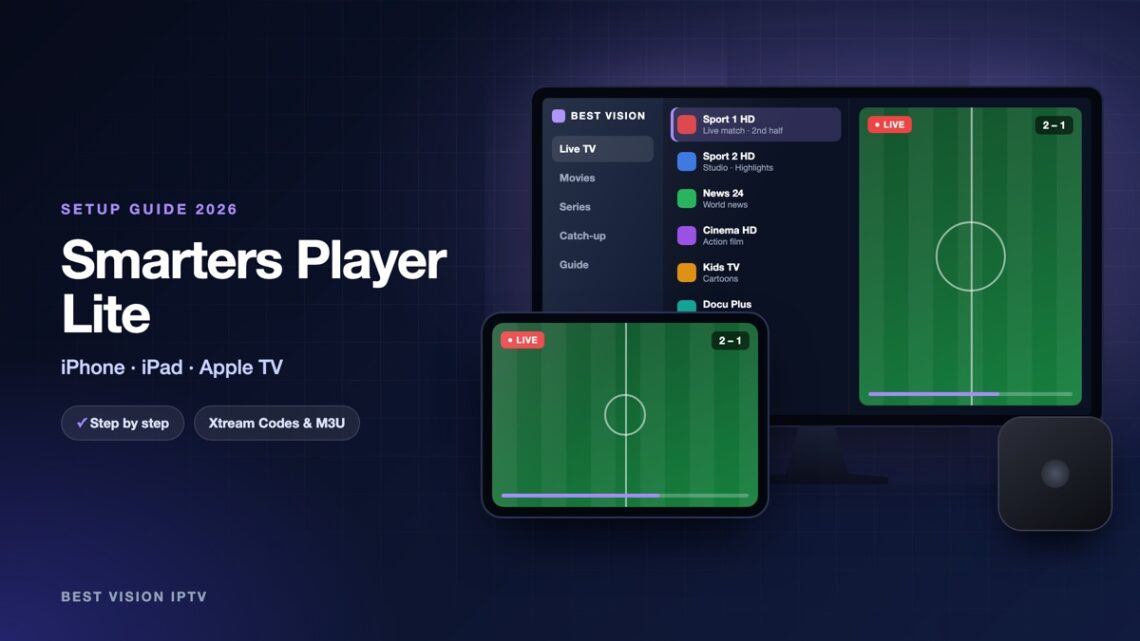
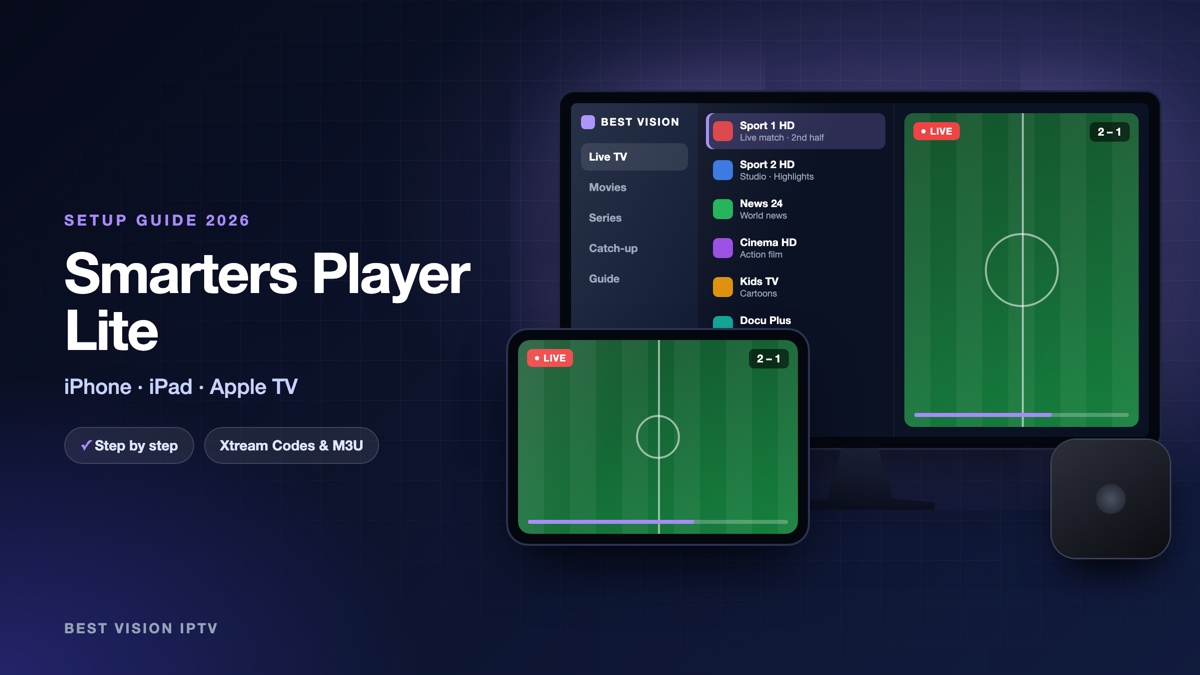
Apple users often search the App Store for “IPTV Smarters Pro” and find nothing with that exact name. The reason is simple: on iPhone, iPad and Apple TV the same player is published as Smarters Player Lite. It looks and works like the Android version, with Live TV, Movies and Series, and it uses the same login. This guide covers the phone and tablet first, then the Apple TV, where typing with the remote needs one small trick.
What you need
- An iPhone or iPad with a recent version of iOS or iPadOS, or an Apple TV (HD or 4K) with the App Store.
- Your login from us: username, password and server URL.
- Wi-Fi or mobile data. HD needs about 10 Mbit/s. On mobile data, an hour of HD uses roughly 2 to 3 GB, so Wi-Fi is the better choice for long evenings.
Smarters Player Lite on iPhone and iPad
- Open the App Store and search for “Smarters Player Lite”.
- Tap Get and confirm with Face ID, Touch ID or your Apple ID password.
- Open the app and accept the terms.
- Choose Login with Xtream Codes API.
- Fill in the four fields and tap Add User.
- Wait while the content loads, then tap your profile.
| Field | What you type |
|---|---|
| Name / playlist name | Anything you like, for example “Best Vision”. It is only a label on your screen. |
| Username | The username from our email. Capital and small letters matter. |
| Password | The password from our email, with no space before or after. |
| URL / server | The server address from our email. It starts with http:// and ends with the port number. |
Tip: open our email on the same iPhone, press and hold the server URL, choose Copy, and paste it into the app. That avoids typing mistakes in the longest field.
Smarters Player Lite on Apple TV
- On the Apple TV open the App Store, go to Search and enter “Smarters Player Lite”.
- Select Get to install it, then open the app.
- Choose Login with Xtream Codes API.
- When the text field is active, your iPhone shows a notification called Apple TV Keyboard. Tap it and type on the phone instead of the remote. You can also paste the details there.
- Select Add User.
The keyboard notification appears when the iPhone and the Apple TV use the same Apple ID and the same Wi-Fi network. Without an iPhone it still works with the remote; it just takes longer.
Watching on a TV without an Apple TV
If you only have an iPhone or iPad, you can still watch on a big screen. Many recent televisions support AirPlay. Start a channel, open the Control Centre, tap Screen Mirroring and choose your TV. For a whole evening of football a device connected to the TV itself (Apple TV, Fire TV Stick or the TV’s own app) is more comfortable, because the phone stays free and the picture does not depend on the phone’s battery.
After the first start
- TV guide. Choose “Install EPG” in the Live TV section to load the programme information.
- Favourites. Press and hold a channel to add it to your favourites.
- Player settings. If a channel shows a black screen, change the stream format in the settings and open the channel again.
- More than one profile. You can add a second login, for example a trial and a paid one, and switch between them on the start screen.
Troubleshooting
| Problem | What to do |
|---|---|
| I cannot find the app | Search for the exact name “Smarters Player Lite”. The developer is Tech Smarters. |
| Login failed | Type the URL with http:// and the port number. Remove any space that the keyboard added at the end. |
| Works on Wi-Fi, not on mobile data | Check in the iPhone settings that mobile data is allowed for the app. |
| Picture stops after a few minutes | Close other streaming apps, restart the router, and try the other stream format. |
| No sound on Apple TV | Change the audio format of the Apple TV to stereo in its settings and test again. |
Setup guides for other apps and devices
Every app below works with the same login from us. Pick the one for your device:
- Samsung & LG Smart TV: Smart IPTV (Samsung, LG) · IBO Player · SET IPTV · NET IPTV · SS IPTV (LG) · Hot IPTV (HotPlayer) · SmartOne IPTV · Bob Player
- Android, Android TV & Fire TV: IPTV Smarters Pro (Android) · IPTV Smarters (Fire TV Stick) · TiviMate · OTT Navigator · XCIPTV Player · Televizo · STB Emulator (portal) · Kodi · IPTV Extreme
- iPhone, iPad & Apple TV: IPTVX · Purple Playlist Player · GSE Smart IPTV · iPlayTV (Apple TV)
- Windows & Mac: IPTV Smarters Pro & VLC (PC, Mac) · MyIPTV Player (Windows)
- TV boxes with a portal: MAG box · Formuler MYTVOnline
A short overview of every device is on the How to use page, the full line-up is in the channels list, and the players are compared in the best IPTV player apps.
Frequently asked questions
Is Smarters Player Lite the same as IPTV Smarters Pro?
Yes, it is the version of the same player for Apple devices. The login steps are identical.
Is the app free?
The player is free to download. The channels come from your own subscription.
Does it work on Apple TV HD and Apple TV 4K?
Yes, both have the App Store and run the app.
Can I use one login on iPhone and Apple TV?
Yes. Set up the same login on both. How many can play at the same time depends on your plan.
Do I need a VPN?
No, a VPN is not required. A stable connection matters more.
Can I try it before buying?
Yes. Ask for a free trial and set up Smarters Player Lite with the trial login.
With Smarters Player Lite your iPhone, iPad and Apple TV all use the same login, so you can start a match on the sofa and finish it on the train. Ask for a free trial and see how it runs on your devices.