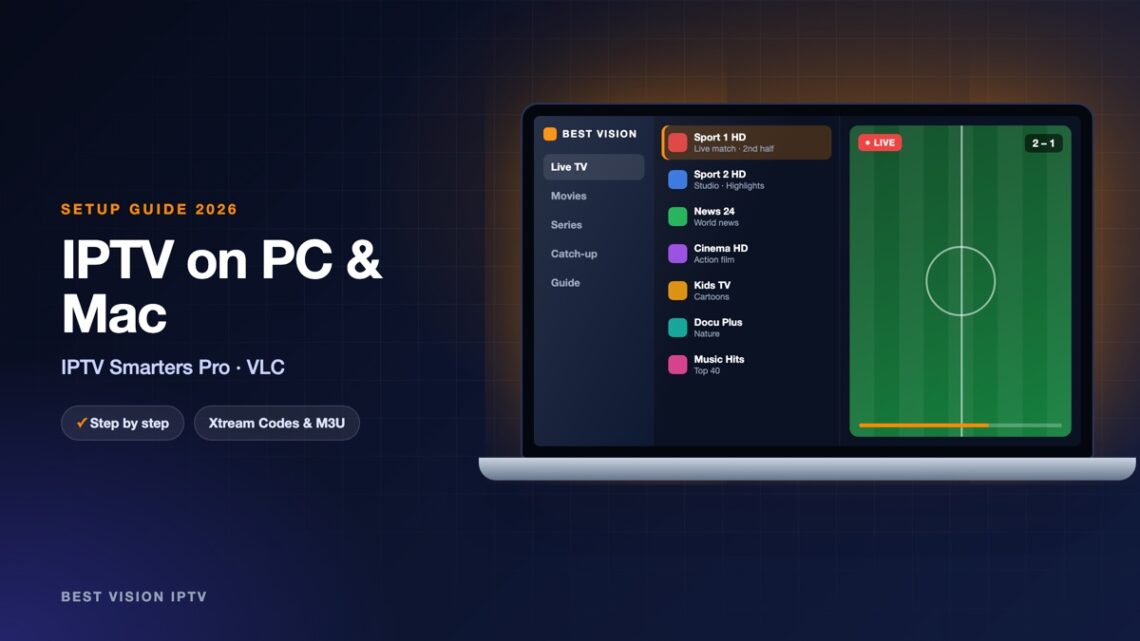
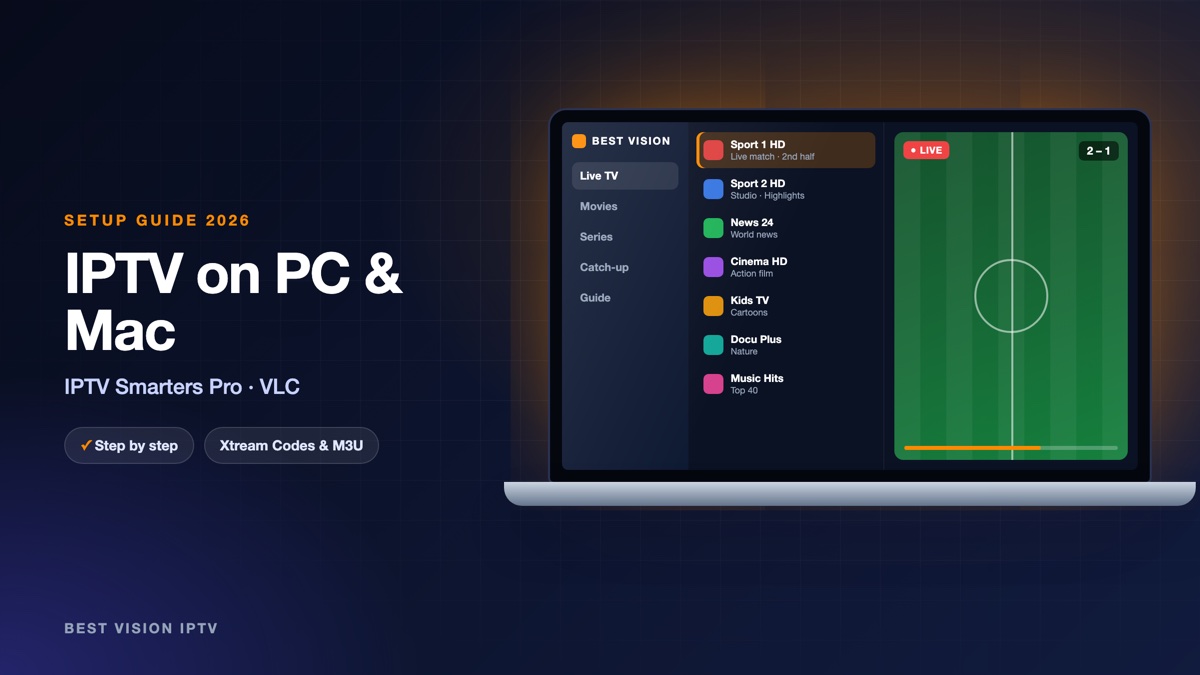
A laptop is a handy second screen: in the home office, in a hotel, or when the TV is taken. Both Windows and macOS can play your subscription without extra hardware. Which program you choose depends on what you want. If you want menus like on a TV, with a guide and separate sections, take IPTV Smarters Pro. If you just want to open a channel quickly, VLC is probably already on your computer. Either way, IPTV on PC needs no extra hardware.
What you need
- A computer with Windows 10 or 11, or a Mac with a recent version of macOS.
- Your login from us. For IPTV Smarters Pro: username, password and server URL. For VLC: the M3U link. Both are in the same email.
- A wired or strong Wi-Fi connection. Around 10 Mbit/s for HD, 25 Mbit/s for 4K.
| IPTV Smarters Pro | VLC | |
|---|---|---|
| Login | Xtream Codes | M3U link |
| TV guide (EPG) | Yes | No |
| Films and series sections | Yes | One long list |
| Setup time | About 5 minutes | About 1 minute |
Option 1: IPTV Smarters Pro on Windows and Mac
- Go to the official IPTV Smarters website and open the download section. Choose Windows or macOS.
- Open the downloaded file and follow the installer. On a Mac, drag the app into the Applications folder.
- Start IPTV Smarters Pro and choose Login with Xtream Codes API.
- Type a name, your username, your password and the server URL.
- Click Add User and wait while the channels load.
| Field | What you type |
|---|---|
| Name / playlist name | Anything you like, for example “Best Vision”. It is only a label on your screen. |
| Username | The username from our email. Capital and small letters matter. |
| Password | The password from our email, with no space before or after. |
| URL / server | The server address from our email. It starts with http:// and ends with the port number. |
Download the installer only from the developer’s own website. Sites that offer “cracked” or “premium” versions of free players are a common source of malware.
Option 2: IPTV on PC with VLC
VLC is a free media player that opens almost anything, including an IPTV playlist.
- Open VLC. If you do not have it, get it from the official site videolan.org.
- Windows: click Media and then Open Network Stream (Ctrl + N). Mac: click File and then Open Network (Cmd + N).
- Paste the M3U link from our email into the address field.
- Click Play (Open on a Mac). After a few seconds the first channel starts.
- Open the playlist to see all channels: View, Playlist (Ctrl + L on Windows, Cmd + Option + P on a Mac). Use the search box in the playlist window to find a channel by name.
To avoid pasting the link every time, save the list once: Media, Save Playlist to File. Next time you double-click that file and VLC opens with your channels.
Tips for watching on a computer
- Full screen: double-click the picture, or press F in VLC.
- Send it to the TV: connect the laptop with an HDMI cable. It is more stable than wireless screen sharing.
- Pause downloads. Cloud backups and game updates running in the background are a typical cause of stuttering.
- Use Ethernet for big matches. A cable to the router removes the Wi-Fi problems of a busy evening.
Troubleshooting IPTV on PC and Mac
| Problem | What to do |
|---|---|
| VLC: “Your input can’t be opened” | The link is incomplete. Copy the full M3U link again, from http:// to the last character, without a line break. |
| VLC plays one channel only | Open the playlist window (View, Playlist). All other channels are listed there. |
| Smarters: login failed | Check http:// and the port in the URL, and capital letters in the username and password. |
| Picture stutters | Close browser tabs with video, pause downloads, and switch to a cable connection. |
| No TV guide | VLC does not show one. Use IPTV Smarters Pro if you want the guide. |
Setup guides for other apps and devices
Every app below works with the same login from us. Pick the one for your device:
- Samsung & LG Smart TV: Smart IPTV (Samsung, LG) · IBO Player · SET IPTV · NET IPTV · SS IPTV (LG) · Hot IPTV (HotPlayer) · SmartOne IPTV · Bob Player
- Android, Android TV & Fire TV: IPTV Smarters Pro (Android) · IPTV Smarters (Fire TV Stick) · TiviMate · OTT Navigator · XCIPTV Player · Televizo · STB Emulator (portal) · Kodi · IPTV Extreme
- iPhone, iPad & Apple TV: Smarters Player Lite (iPhone, iPad, Apple TV) · IPTVX · Purple Playlist Player · GSE Smart IPTV · iPlayTV (Apple TV)
- Windows & Mac: MyIPTV Player (Windows)
- TV boxes with a portal: MAG box · Formuler MYTVOnline
A short overview of every device is on the How to use page, the full line-up is in the channels list, and the players are compared in the best IPTV player apps.
Frequently asked questions
What is the easiest way to watch IPTV on PC?
VLC: open a network stream, paste the M3U link and press Play. For a TV guide and film sections, use IPTV Smarters Pro.
Does this work on a Mac?
Yes. Both IPTV Smarters Pro and VLC have macOS versions, and the steps are the same.
Can I watch in a browser?
We recommend a player program. It handles live streams more reliably than a browser tab.
Is VLC free?
Yes. VLC is free, open-source software from the VideoLAN project.
Can I use the computer and the TV with one subscription?
Yes, the same login works on both. How many screens play at the same time depends on your plan.
Can I test first?
Yes. Ask for a free trial and try IPTV on PC with the trial login.
Whether you choose IPTV Smarters Pro or VLC, the setup is a matter of minutes, and you can keep both. Ask for a free trial and test it on your own computer.