- What you need for the XCIPTV Player setup
- Step 1: install XCIPTV Player
- Step 2: XCIPTV Player setup with Xtream Codes
- Alternative: sign in with an M3U URL
- After the first start: settings worth knowing
- Troubleshooting the XCIPTV Player setup
- Setup guides for other apps and devices
- Frequently asked questions
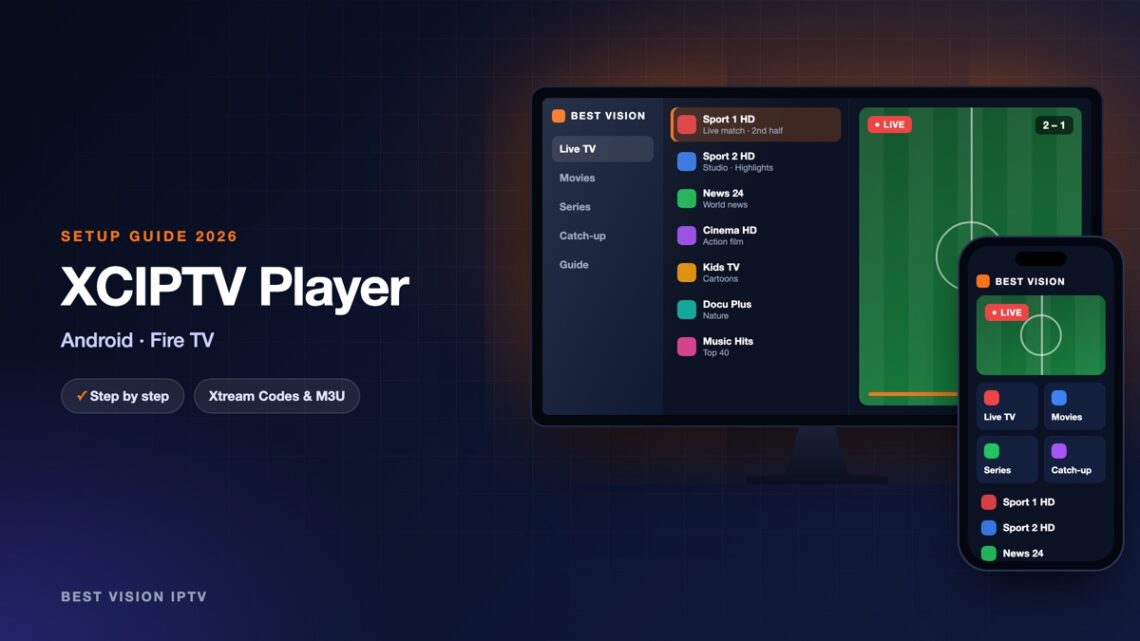
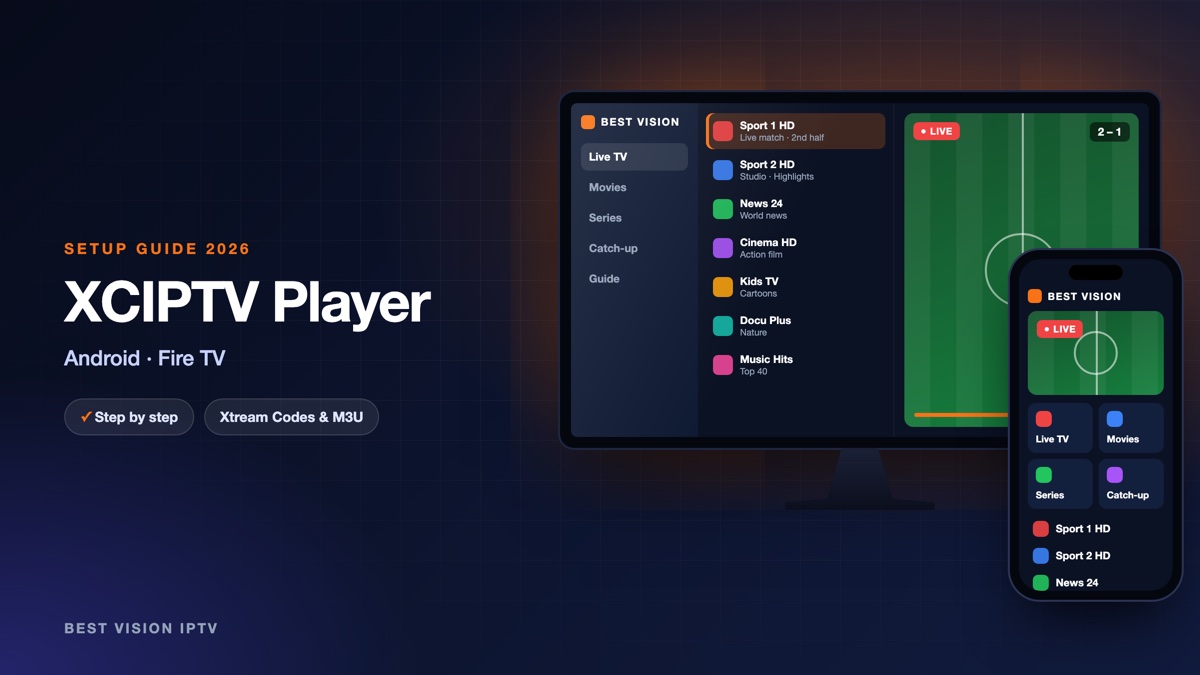
XCIPTV Player is a media player for Android phones, tablets and Android TV. It is made by a company called OTTRUN. Two video players are built in, ExoPlayer and VLC, so you do not need a second app. It shows Live TV with a guide, films and series. Like every player, it has no channels of its own. One detail to avoid confusion: the developer’s documentation now also calls the app OTR Player, while Google Play still lists it as XCIPTV Player. This guide covers the XCIPTV Player setup from the installation to the first channel.
What you need for the XCIPTV Player setup
- An Android device. A phone, a tablet, a TV or box with Android TV, or a Fire TV Stick. The developer names Android 5.0 and newer.
- Your login. After your order or free trial we email you a username, a password and a server URL that starts with http:// and ends with a port number, plus an M3U link.
- A stable connection. About 10 Mbit/s is enough for HD and about 25 Mbit/s for 4K, per screen.
Good to know: XCIPTV Player is made by OTTRUN, an independent developer, not by us. It is free to install, and its Google Play listing says that it contains ads. We have no part in those ads, and the app is separate from your subscription.
Step 1: install XCIPTV Player
- On an Android phone, tablet, Android TV or Google TV device open Google Play and search for “XCIPTV Player”.
- Check the developer name before you install: the original is published by OTTRUN. The developer links to the listing from its official app page. Leave copies and “modded” versions from other sites alone.
- Select Install and open the app when it is ready.
Fire TV Stick: on a Fire TV the app is usually installed with the free Downloader app. Install Downloader, allow it under Settings, My Fire TV, Developer options, Install unknown apps, and download the app file with it. These first steps are explained in our Fire TV Stick guide. Ask us on WhatsApp for the current download address.
Step 2: XCIPTV Player setup with Xtream Codes
- Open the app. The first screen is the login screen. Its title should read Xtream Codes Compatible API.
- If the title is different, select the Settings icon on the login screen. A box named “Select Panel Type” opens. Choose Xtream Codes API.
- In the first field, Enter XC API URL, type the server URL from our email.
- Type your Username and your Password.
- Select Sign In. The app downloads the channels, films, series and the TV guide. The first time this takes a moment.
| Field | What you type |
|---|---|
| Enter XC API URL | The server URL from our email. It starts with http:// and ends with the port number. |
| Username | The username from our email. Capital and small letters matter. |
| Password | The password from our email, with no space before or after. |
Newer versions have a fresh look on phones, so your screen can differ a little. The three fields and the Sign In button are the same.
Alternative: sign in with an M3U URL
- On the login screen select the Settings icon and choose M3U URL in the “Select Panel Type” box.
- The screen now has one field, Enter M3U URL. Paste the M3U link from our email.
- Select Sign In and wait until the list has loaded.
We recommend the Xtream Codes API login: same subscription, and the guide, films and series are sorted for you. The same box also has a button called Accounts, where you can save more than one login and switch between them.
After the first start: settings worth knowing
- Favourites. Press and hold the name of a channel in the list. A yellow star marks it as a favourite.
- Refresh the content. Settings, Update Contents, Update All. The app also refreshes by itself when its data is more than a day old.
- TV guide times. If programmes are shifted, check the time zone of the device first. Then use Settings, EPG Timeshift to move the guide by hours or minutes.
- Two players. If a channel does not start, switch to the other built-in player in the settings and try again. Recording a live channel needs the VLC player.
- Parental control. Settings, Parental. The default password is 0000, so change it. Press and hold a category to lock it.
- Start with the device. Settings, Other Settings, Auto Start after reboot. The same menu has “Load Last Live TV Channel Automatically”.
- Multi-screen. The app can show up to four channels side by side. How many streams run at the same time depends on your plan.
Troubleshooting the XCIPTV Player setup
| Message or problem | What to do |
|---|---|
| Sign In does not accept the login | Check the URL field: http:// in front, port at the end, no space. Then check capital letters in the username and password. |
| “Source Type Error!” | The developer explains this as a stream that is down, or one that arrives in another format than the app expects. Try another channel, switch to the other built-in player, and tell us which channel it was. |
| Channel list is empty or old | Open Settings, Update Contents and choose Update All. |
| Picture freezes | Use 5 GHz Wi-Fi or a cable, restart the router, and close apps that download in the background. |
Still stuck? Send us a photo of the screen on WhatsApp and we look at it with you.
Setup guides for other apps and devices
Every app below works with the same login from us. Pick the one for your device:
- Samsung & LG Smart TV: Smart IPTV (Samsung, LG) · IBO Player · SET IPTV · NET IPTV · SS IPTV (LG) · Hot IPTV (HotPlayer) · SmartOne IPTV · Bob Player
- Android, Android TV & Fire TV: IPTV Smarters Pro (Android) · IPTV Smarters (Fire TV Stick) · TiviMate · OTT Navigator · Televizo · STB Emulator (portal) · Kodi · IPTV Extreme
- iPhone, iPad & Apple TV: Smarters Player Lite (iPhone, iPad, Apple TV) · IPTVX · Purple Playlist Player · GSE Smart IPTV · iPlayTV (Apple TV)
- Windows & Mac: IPTV Smarters Pro & VLC (PC, Mac) · MyIPTV Player (Windows)
- TV boxes with a portal: MAG box · Formuler MYTVOnline
A short overview of every device is on the How to use page, the full line-up is in the channels list, and the players are compared in the best IPTV player apps.
Frequently asked questions
Is XCIPTV Player free?
Yes, it is free to install from Google Play. The listing states that it contains ads. It has no channels: you add your own subscription.
Is OTR Player the same app?
OTR Player is the name the developer OTTRUN now uses in its documentation for this player. At the time of writing, Google Play lists it as XCIPTV Player.
Does XCIPTV Player work on a Fire TV Stick?
Yes, the developer names Fire TV as a supported device. It is installed with the Downloader app, as described in step 1.
Xtream Codes API or M3U URL?
Xtream Codes API. It is three short fields, and the TV guide, films and series load with it.
Can I use the same login on several devices?
Yes, the same login works on your other devices. How many screens can play at the same time depends on your plan.
Can I try it before I pay?
Yes. Ask for a free trial and do the XCIPTV Player setup with the trial login.
That is the whole XCIPTV Player setup: install, choose the login type, sign in. A renewal keeps the same login, so you do this once. Ask for a free trial and try it on your own device.