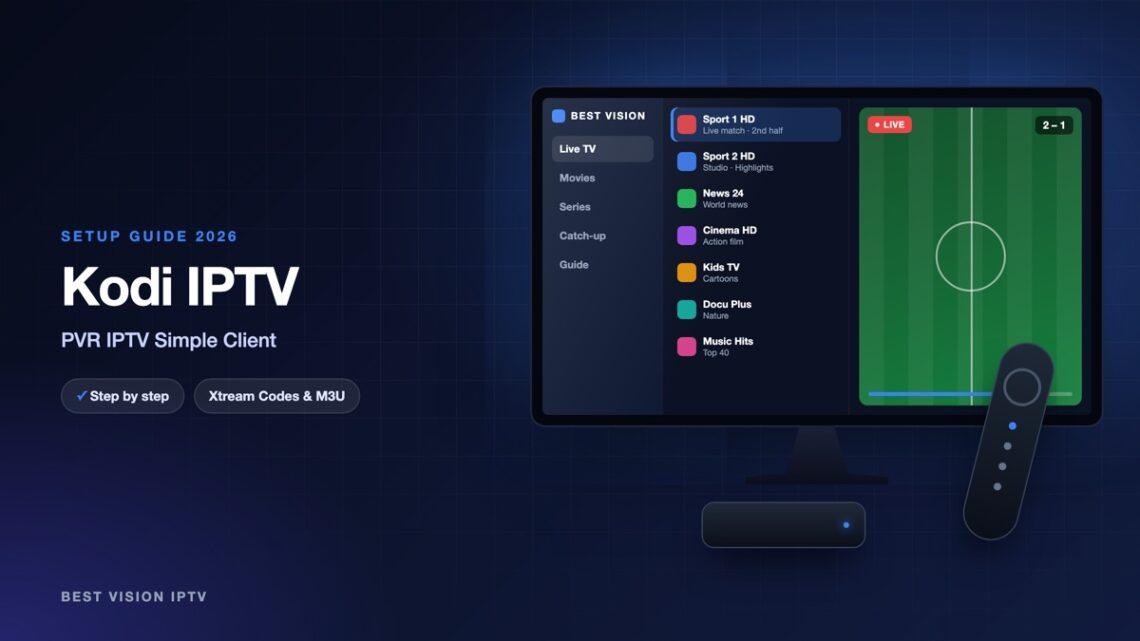
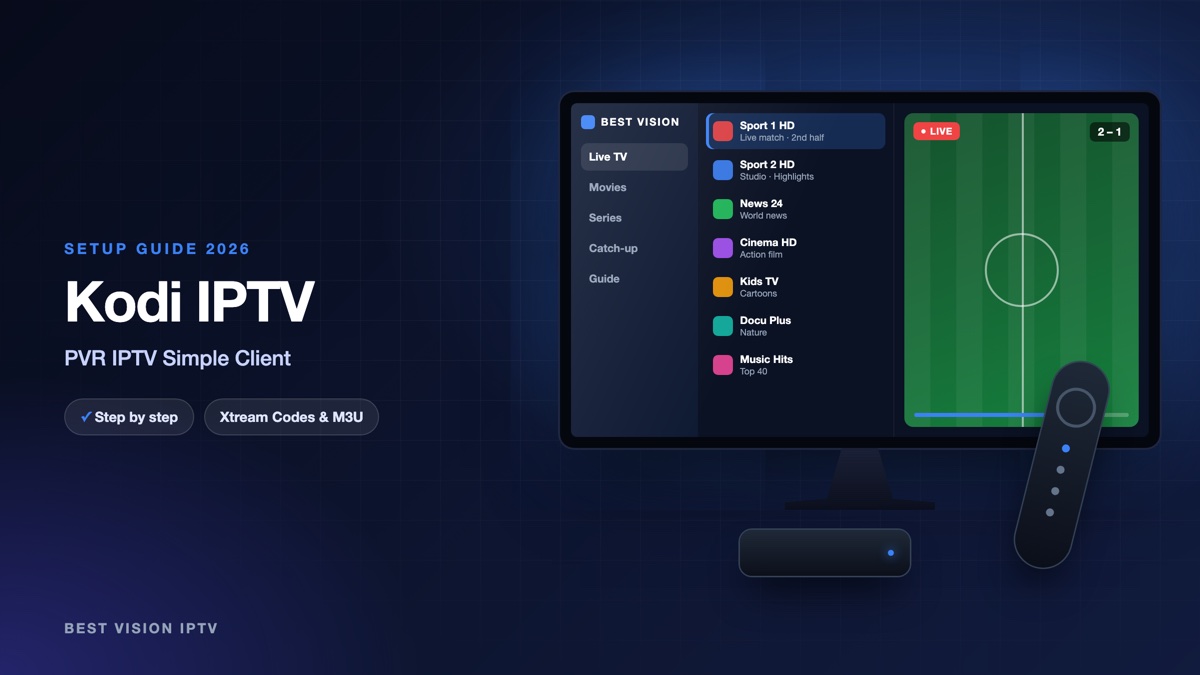
Kodi is a free, open-source media centre from the Kodi Foundation. It runs on Windows, macOS, Linux, Android, Raspberry Pi and more. Kodi has no login screen for IPTV. Live TV is added with a small add-on called PVR IPTV Simple Client, which reads an M3U playlist and a TV guide file. So in Kodi you use the M3U link from our email, not the username and password fields. Kodi and the add-on are made by volunteers, not by us, and Kodi itself contains no channels. This Kodi IPTV setup takes about ten minutes.
What you need for the Kodi IPTV setup
- Kodi on your device. Get it from the official Kodi download page or from the app store of your device. Use a current version; this guide follows Kodi 20 and 21.
- Your M3U link. After your order or free trial we email you your login. For Kodi you need the M3U link in that email: one long address that starts with http://.
- A stable connection. About 10 Mbit/s is enough for HD and about 25 Mbit/s for 4K, per screen.
One honest note: this add-on is built around live channels and the TV guide. Films and series from a playlist can show up inside Kodi’s TV section, but not in the tidy film and series menus of a dedicated IPTV player. Many customers use Kodi for live TV and a player app for the rest.
Step 1: install PVR IPTV Simple Client
- Open Kodi and select the gear icon to open Settings.
- Open Add-ons.
- Choose Install from repository. If Kodi shows several repositories, open the Kodi add-on repository.
- Open PVR clients.
- Select PVR IPTV Simple Client and choose Install. If Kodi lists extra add-ons that it needs, confirm with OK.
The Kodi wiki advises you to disable other PVR add-ons before you install this one. A fresh Kodi has none, so most people can skip that.
Step 2: Kodi IPTV setup with your M3U link
- Select the add-on again and choose Configure. Later you find it under Settings, Add-ons, My add-ons, PVR clients.
- If Kodi shows a short list first, choose Add add-on configuration and give it a name such as Best Vision. Since Kodi 20 the add-on can hold several playlists this way.
- On the General tab set Location to Remote path.
- Select M3U play list URL and enter the M3U link from our email.
- Confirm with OK. Kodi loads the channels. If nothing appears, close Kodi and open it again.
| Setting | What to choose |
|---|---|
| Location | Remote path. It tells the add-on that the playlist is an internet address, not a file on the device. |
| M3U play list URL | The complete M3U link from our email, from http:// to the last character. |
| Cache M3U at local storage | Keeps a copy of the list on the device. Leave it as it is. |
| Auto refresh mode | Optional. “Once per day” makes the add-on fetch a fresh list every day. |
The link is long. On a computer, copy it from the email and paste it. On a TV device you can type from your phone with the official remote apps, Kore for Android and Official Kodi Remote for iOS.
Step 3: add the TV guide (EPG)
The add-on reads the guide from an XMLTV address. When the playlist itself names a guide source, the add-on uses it as long as its own EPG settings are empty. If your guide stays empty, add the address by hand:
- Open Configure again and go to the EPG tab.
- Set Location to Remote path.
- Enter the guide address in XMLTV URL. If it is not in your email, ask us for it on WhatsApp.
- Confirm with OK and give Kodi a few minutes to import the programmes.
Are all programmes an hour or two off? The setting “EPG time shift” on the same tab moves the whole guide.
Step 4: watch TV in Kodi
- TV menu. The home menu now has an entry called TV. Open it for Channels and for the Guide.
- Fewer groups. Our playlist has many groups. On the Groups tab of the add-on, set “TV group mode” to “Some groups” to load only the ones you watch (up to five).
- Full screen. Under Settings, PVR & Live TV, Playback, the option “Switch to fullscreen” opens a channel in full screen right away.
- More settings. Kodi hides options by level. If a setting from this guide is missing, raise the settings level from Basic or Standard to Advanced.
Troubleshooting the Kodi IPTV setup
| Message or problem | What to do |
|---|---|
| “PVR manager is starting up” stays at 0% | Usually the M3U link is wrong or incomplete. Open Configure and enter the link again. A very large list also needs a few minutes the first time. |
| No TV entry, or no channels | Check that the add-on is enabled under Settings, Add-ons, My add-ons, PVR clients. Then restart Kodi. |
| Old channels stay after a change | Settings, PVR & Live TV, General, Clear data. Kodi empties its TV database and imports everything again. |
| Guide is empty | Add the XMLTV URL (step 3), then use Clear data under Settings, PVR & Live TV, Guide. |
| Guide shows the wrong times | Adjust “EPG time shift” on the EPG tab of the add-on. |
| Picture stutters | Use a network cable or 5 GHz Wi-Fi and pause downloads on the same device. |
Still stuck? Send us a photo of the screen on WhatsApp.
Setup guides for other apps and devices
Every app below works with the same login from us. Pick the one for your device:
- Samsung & LG Smart TV: Smart IPTV (Samsung, LG) · IBO Player · SET IPTV · NET IPTV · SS IPTV (LG) · Hot IPTV (HotPlayer) · SmartOne IPTV · Bob Player
- Android, Android TV & Fire TV: IPTV Smarters Pro (Android) · IPTV Smarters (Fire TV Stick) · TiviMate · OTT Navigator · XCIPTV Player · Televizo · STB Emulator (portal) · IPTV Extreme
- iPhone, iPad & Apple TV: Smarters Player Lite (iPhone, iPad, Apple TV) · IPTVX · Purple Playlist Player · GSE Smart IPTV · iPlayTV (Apple TV)
- Windows & Mac: IPTV Smarters Pro & VLC (PC, Mac) · MyIPTV Player (Windows)
- TV boxes with a portal: MAG box · Formuler MYTVOnline
A short overview of every device is on the How to use page, the full line-up is in the channels list, and the players are compared in the best IPTV player apps.
Frequently asked questions
Is Kodi free?
Yes. Kodi is free, open-source software, and PVR IPTV Simple Client is a free add-on from Kodi’s own repository. Neither contains channels.
Can I log in with Xtream Codes in Kodi?
PVR IPTV Simple Client works with an M3U playlist. Use the M3U link from our email; it belongs to the same subscription as the Xtream Codes login.
Which devices does Kodi run on?
The Kodi download page lists Windows, Linux, Android, Raspberry Pi, macOS, iOS, tvOS and webOS.
Can I use Kodi and another app with one subscription?
Yes, the same subscription works in other players too. How many screens can play at the same time depends on your plan.
Why is my TV guide empty?
The add-on needs an XMLTV address for the guide. Add it on the EPG tab as shown in step 3, or ask us for the address.
Can I try it before I pay?
Yes. Ask for a free trial and do the Kodi IPTV setup with the trial M3U link.
After the first Kodi IPTV setup, the TV menu stays in place and the list refreshes by itself. Ask for a free trial and build it on your own Kodi before you decide.