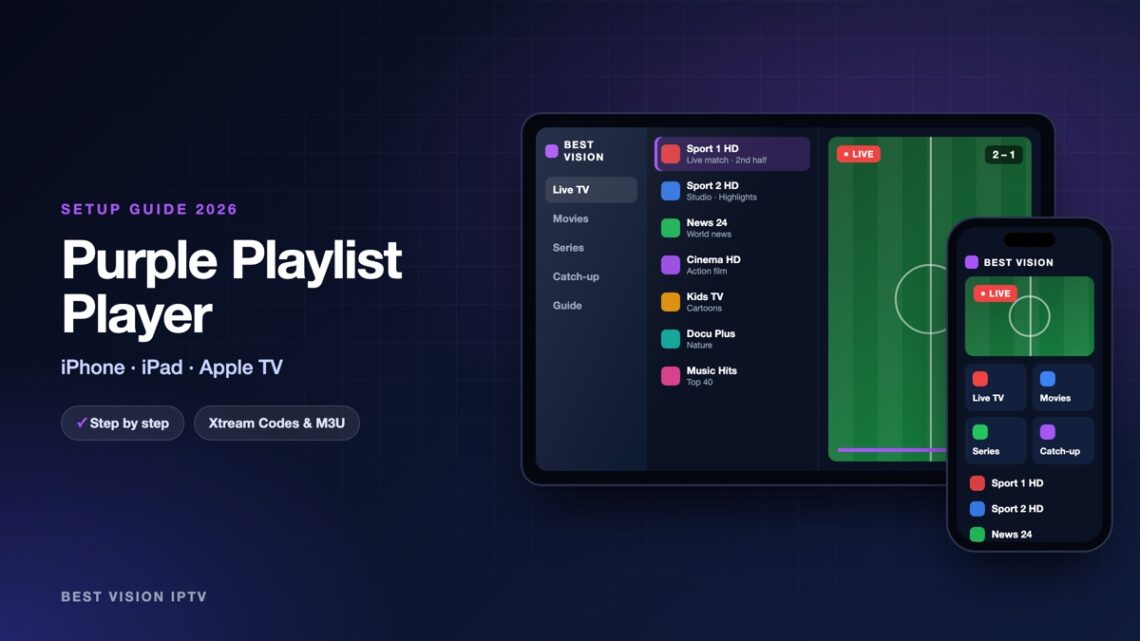
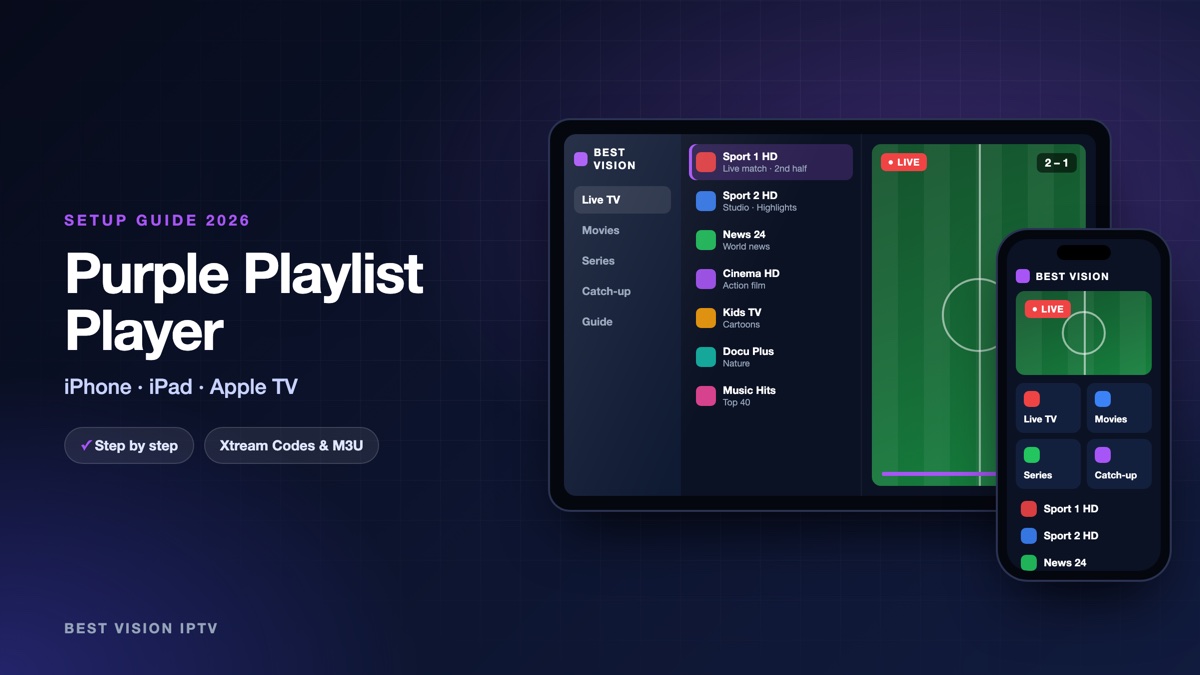
Purple Playlist Player is a simple player for iPhone, iPad and Apple TV, and many people in the UK and Ireland look for it in the App Store. The name causes some confusion, because the same developer publishes other “Purple” apps. This guide is for the app with the exact name Purple Playlist Player, published by Purple Smart TV LLC. You type your login directly in the app; no MAC address and no website are needed.
What you need for the Purple Playlist Player setup
- An Apple device. An iPhone or iPad with iOS 16 or newer, or an Apple TV.
- Your login from us. After your order or free trial we email you a username, a password and a server URL (Xtream Codes), plus an M3U link.
- Wi-Fi. For long evenings Wi-Fi is better than mobile data.
Good to know: Purple Playlist Player is made by an independent developer, not by us, and it contains no channels. The app is free to download. The developer sells an optional premium subscription in the App Store; that payment goes to Apple and the developer and is separate from your subscription with us.
Step 1: install the app
- Open the App Store and search for “Purple Playlist Player”.
- Check the name and the developer: Purple Smart TV LLC. Apps such as “Purple Easy” or “Purple IPTV Lite Player” are different products.
- Tap Get and open the app.
On Apple TV, open the App Store on the Apple TV and search for the same name.
Step 2: the first screens
- Choose your language.
- Tick Terms of Service & Privacy Policy and tap I agree.
- The app now offers Register, Login and Skip. An account with the developer is optional. Tap Skip if you do not want one.
You may also see “Login with Code”. That is for providers who use the developer’s own panel and send a six-digit code. We send an Xtream Codes login instead, so you do not need it.
Step 3: Purple Playlist Player setup with Xtream Codes
- Tap Add New Playlist.
- Fill in the fields as in the table below.
- Tap Submit. The app fetches live TV, films and series one after the other. You can skip a category if you want.
- The home screen opens with your content.
| Field | What you type |
|---|---|
| Playlist Name | Anything you like, for example “Best Vision”. |
| Username | The username from our email. Capital and small letters matter. |
| Password | The password from our email, with no space before or after. |
| Playlist URL | The server URL from our email. It starts with http:// and ends with the port number. |
Prefer the M3U link? Choose the M3U option when you add the playlist and paste the link from our email in “Playlist URL (M3U)”. We recommend Xtream Codes, because films, series and catch-up are sorted better.
After the first start
- Parental control. Tap Settings, then Parental Control, set your parental password, confirm it and tap Submit.
- Catch-up. The app has a Catch Up TV section for channels that offer it.
- Time format. In Settings you can switch between the 12-hour and 24-hour clock for the guide.
- Account details. Settings also shows the information of your playlist, such as its expiry date.
- Typing on Apple TV. When a text field is active, your iPhone shows an Apple TV keyboard notification. Tap it and type on the phone.
Troubleshooting the Purple Playlist Player setup
| Problem | What to do |
|---|---|
| Login refused | Check the Playlist URL: http:// in front, port at the end, no space. Copy username and password from our email again. |
| You cannot find the app | Search for the exact name “Purple Playlist Player” and check the developer Purple Smart TV LLC. |
| Films or series are missing | You may have skipped a category while the data loaded. Add the playlist again and let every category load. |
| Works on Wi-Fi, not on mobile data | In the iPhone settings, allow mobile data for the app. |
| Picture stutters | Restart the router, close other streaming apps and use 5 GHz Wi-Fi. |
| The app asks for a six-digit code | You chose “Login with Code”. Go back and use Add New Playlist with your username and password. |
Still stuck? Send us a photo of the screen on WhatsApp.
Setup guides for other apps and devices
Every app below works with the same login from us. Pick the one for your device:
- Samsung & LG Smart TV: Smart IPTV (Samsung, LG) · IBO Player · SET IPTV · NET IPTV · SS IPTV (LG) · Hot IPTV (HotPlayer) · SmartOne IPTV · Bob Player
- Android, Android TV & Fire TV: IPTV Smarters Pro (Android) · IPTV Smarters (Fire TV Stick) · TiviMate · OTT Navigator · XCIPTV Player · Televizo · STB Emulator (portal) · Kodi · IPTV Extreme
- iPhone, iPad & Apple TV: Smarters Player Lite (iPhone, iPad, Apple TV) · IPTVX · GSE Smart IPTV · iPlayTV (Apple TV)
- Windows & Mac: IPTV Smarters Pro & VLC (PC, Mac) · MyIPTV Player (Windows)
- TV boxes with a portal: MAG box · Formuler MYTVOnline
A short overview of every device is on the How to use page, the full line-up is in the channels list, and the players are compared in the best IPTV player apps.
Frequently asked questions
What is the exact name of the app?
Purple Playlist Player, by Purple Smart TV LLC. Other “Purple” apps from the same developer are separate products.
Is Purple Playlist Player free?
It is free to download. An optional premium subscription is sold in the App Store by the developer.
Do I need a Purple account?
No. On the first screens you can tap Skip and add your playlist without an account.
Does the app include channels?
No. It is only a player. The channels come from your own subscription.
Can I use one login on iPhone and Apple TV?
Yes. Do the Purple Playlist Player setup on each device with the same login. How many screens can play at the same time depends on your plan.
Can I test first?
Yes. Ask for a free trial and do the Purple Playlist Player setup with the trial login.
Install, skip the account, add your Xtream Codes login: the Purple Playlist Player setup is quick. Ask for a free trial and try it on your own iPhone or Apple TV first.